Miss your walking buddy?
Maya walks to the train at 7:40. Ben walks after dinner, two cities away. By the time they catch up that night, neither remembers their step count. Ben has a better question: “Did we get our check-ins today?”
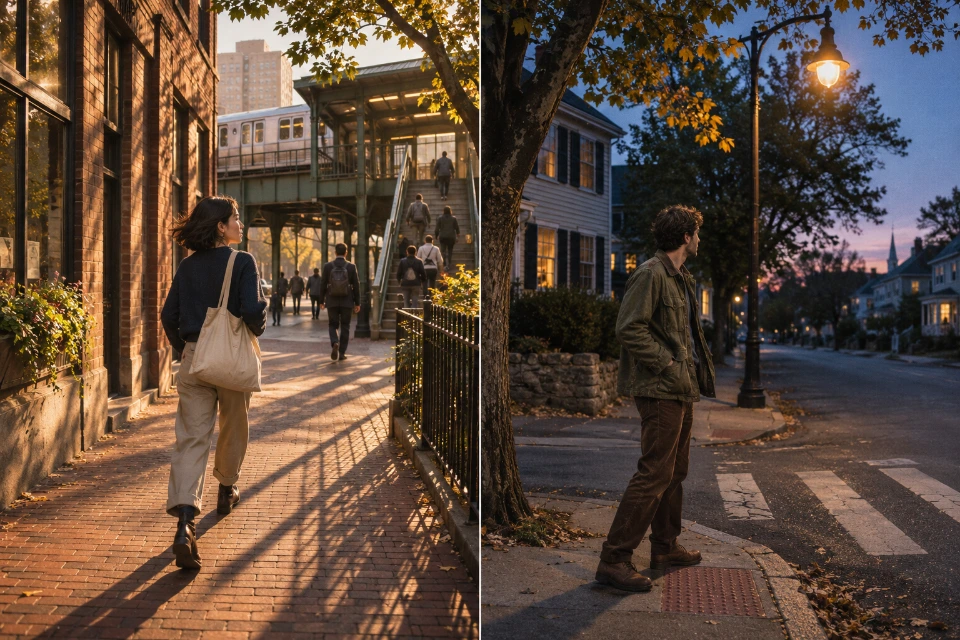
They used to take the same walk. Now they keep one small appointment: each checks in on their own virtual trip in TabiWalk. On a day when that mission is available, Maya can do her half before work. It takes Ben’s check-in to finish it for the pair.
What shows up on her phone at nine?
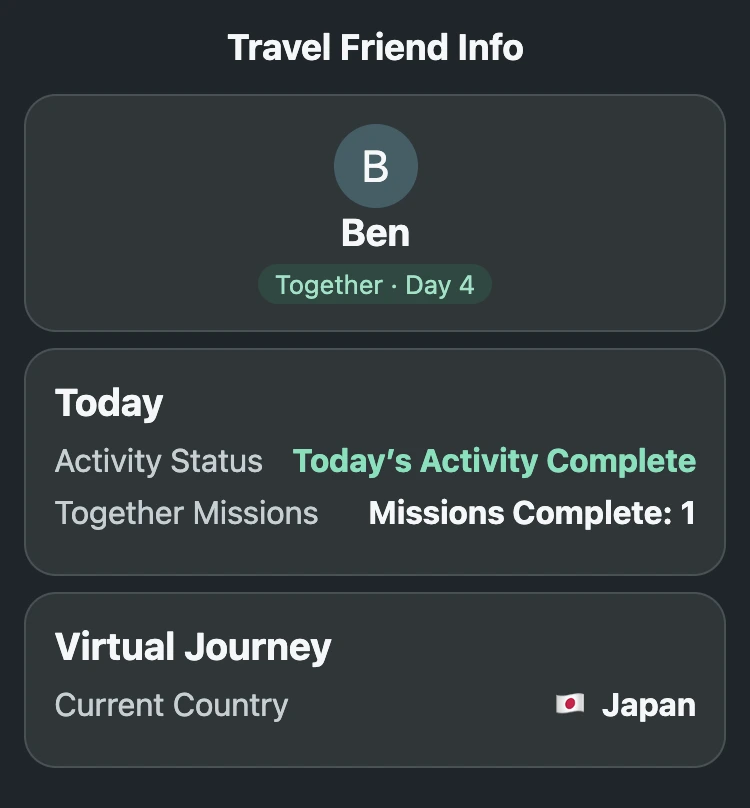
Read the two lines under “Today”
Activity Status is about Ben. Together Missions is about both of them. In this example, “Missions Complete: 1” is the line Maya came to see. Had Ben checked in and Maya forgotten, his check-in alone wouldn’t have completed their joint mission.
Farther down, Current Country: Japan is Ben’s destination in the game. It might still say Japan tomorrow. The card doesn’t name his virtual town or trace his walk home. If he wants Maya to see the bakery he found, he’ll still have to send the photo.
Would a text do just as well?
For the bakery, absolutely. And if “Who walked farther?” is half the fun, two screenshots from your step counters will settle it. Keep that ritual.
Here’s the evening when the app earns its place: Maya is already asleep when Ben gets home. He can open their missions and see whether they both checked in. No one has to ask for a number, add up two totals or remember whose turn it was to update the chat.
Set it up the night before
On iPhone, Maya opens Travel Friends, taps + and chooses Share Invitation Link. She sends it in the chat where the bakery photo landed.
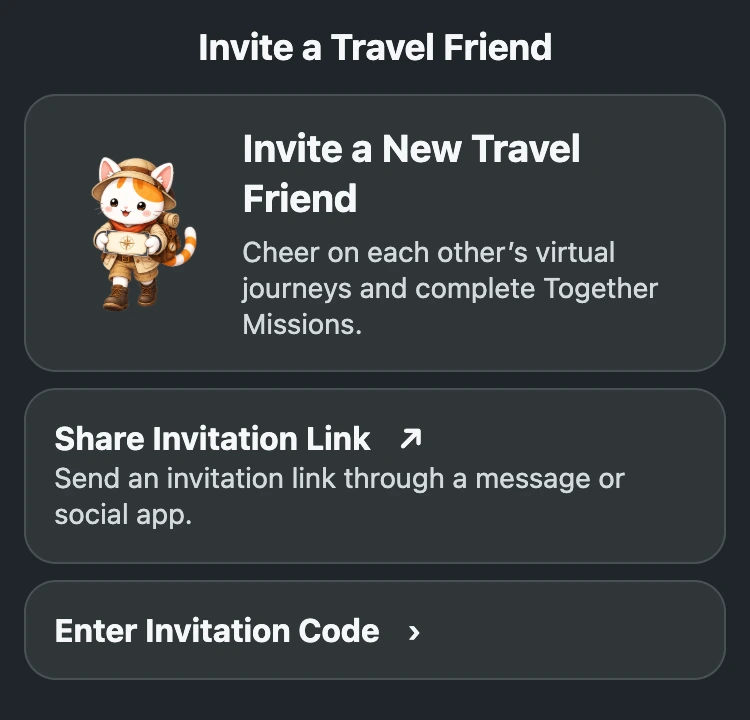
Ben needs TabiWalk too. He opens the link, checks Maya’s name and taps Add as Travel Friend. If he has a code instead, he can use Enter Invitation Code. Once he accepts, either friend can tap the other’s name to see their travel card.
New friends can join Together Missions starting the next day. Send the invite tonight. Tomorrow, check which mission is open before the early train, and leave the second half for the evening walk.