Virtual walking
What Is a Virtual Walking Challenge? Start With the Walk You Already Take
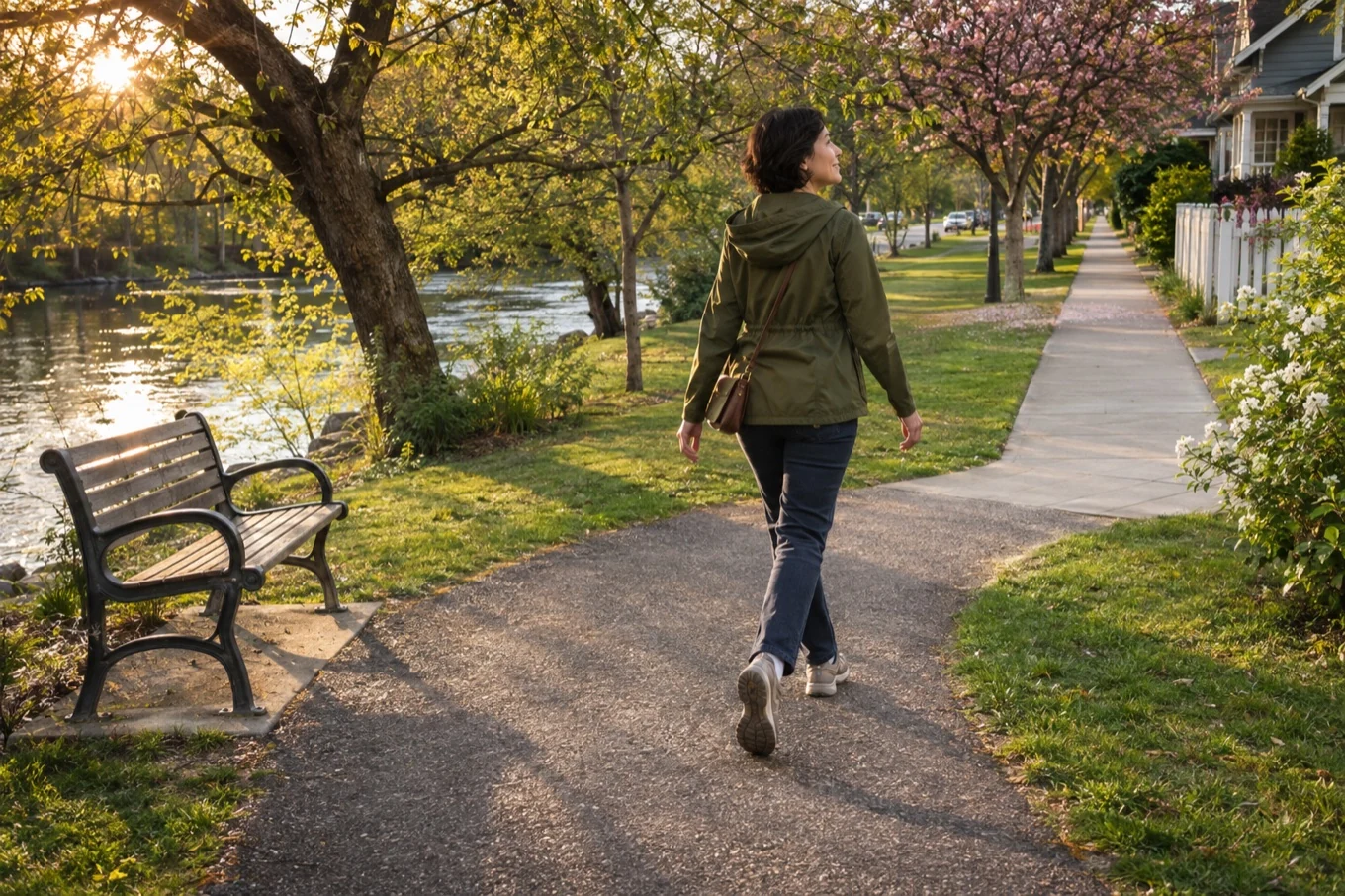
You pass the same bench, turn at the same corner, and head home. What if that familiar loop took you a little closer to a town you’ve never seen? A virtual walking challenge gives the walks you already take a second destination. What that destination looks like depends on the challenge you choose.
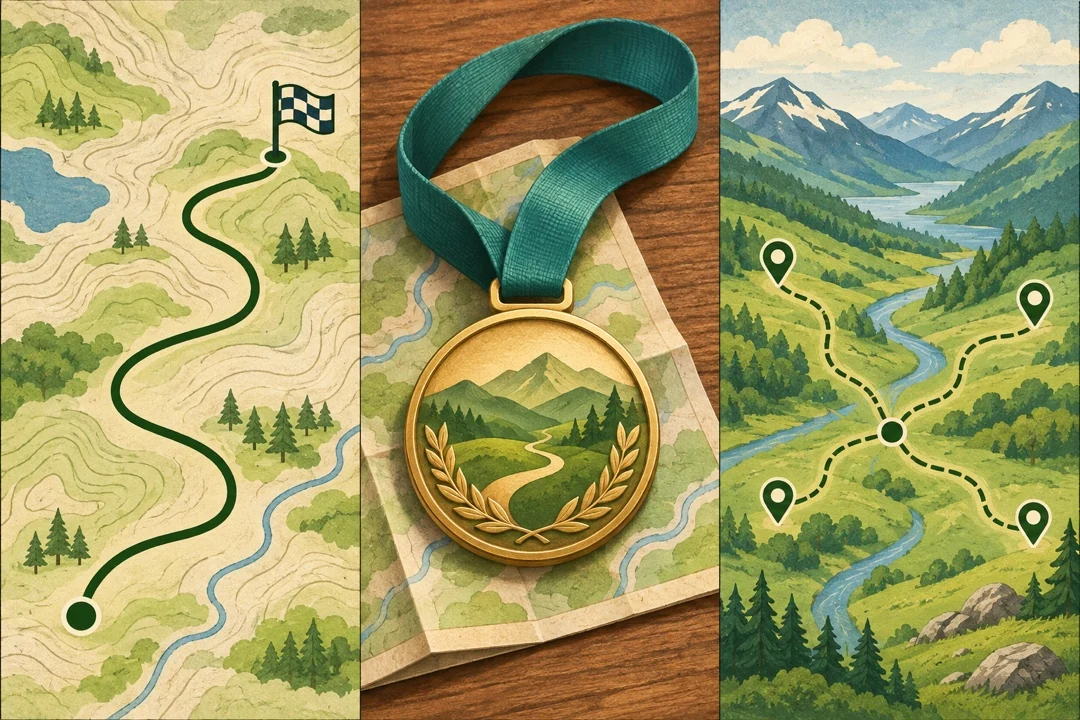
Compare the three ways to walkWhat would make you want to walk again tomorrow?
- A finish line
- Pick a set route and watch the distance remaining shrink. Try this if a clearly defined finish gives you something to work toward.
- A medal at the end
- Some events add a physical medal for finishing. Check the fee, deadline, and shipping before signing up. The medal is a reward and can be part of a fixed route.
- A map to explore
- Open the map after a walk and choose the place you want to reach next. Try this if you’d rather discover a new area than work toward one finish line.
One ordinary walk, two different places
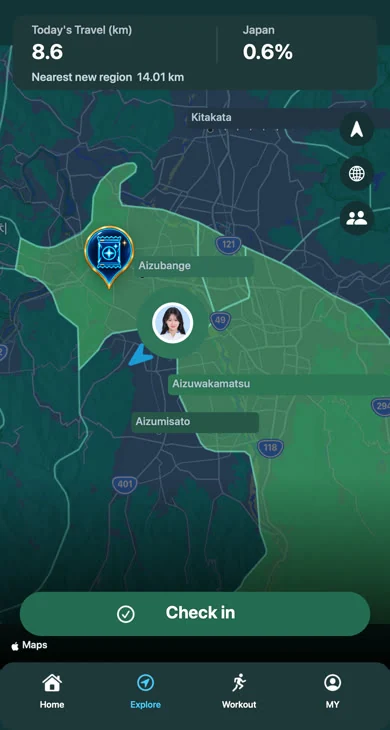
In your neighborhood, you might only be walking to the corner shop. On the Explore map, you can use that walk to get closer to the next place you picked. Aizuwakamatsu and nearby areas are shown here as an example.
- Before you head out
- If you’re using an app, give it permission to read your steps. Then take the walk you would have taken anyway.
- When you get home
- Open the map and pick one nearby place that makes you curious. That’s a good enough goal for tomorrow.
See where your next walk takes you
If choosing the next town sounds more fun than following a route, try opening the Explore map after your usual walk. In TabiWalk, you can check in once a new area is within reach.