325 days of walking. Then, 400 steps short.
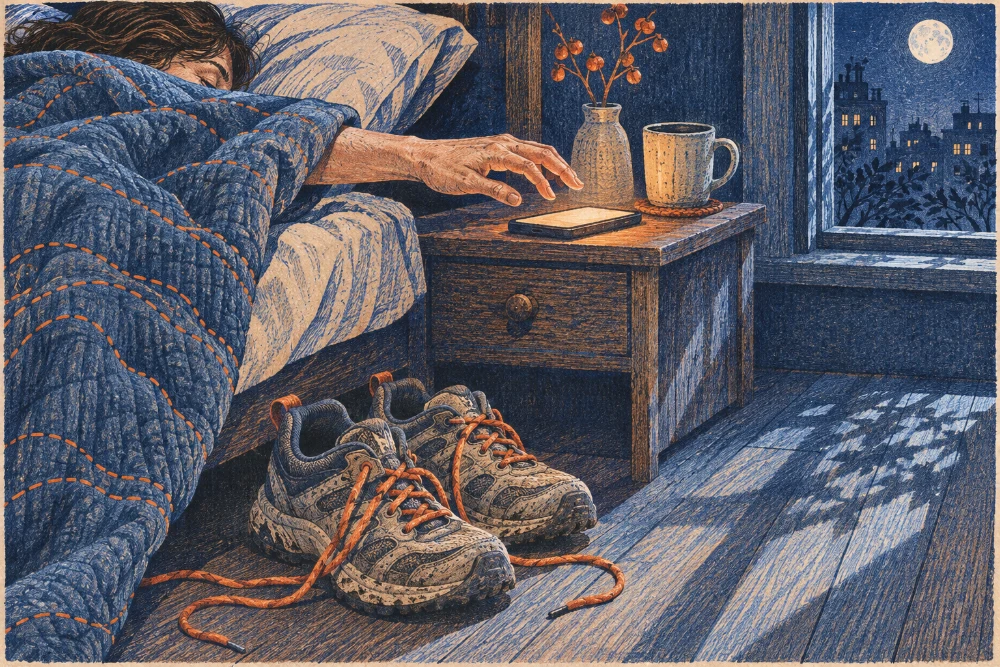
There was still time after dinner to get those last steps in. Then a work email needed answering. By the time the walker remembered, it was one in the morning.
They’d set a daily goal of 6,000 steps and were hoping to reach 365 straight days. Number 326 slipped by while they were doing something as ordinary as finishing work. The shoes were right there. Even a lap around the house now would go on a different day. Read the walker’s account.
A missed daily goal can end a streak. A cumulative route can keep your place. We tried the latter with TabiWalk’s travel software. Two days with zero steps left our virtual traveler exactly where we’d stopped. When we added a short Friday walk, the first new meter started there.
See where Friday’s 50 steps went ↓Before you write off yesterday, open yesterday.
Look at the step total for the date you missed. Does it match the walk you remember? In the 325-day story, the walker knew which 400 steps they hadn’t taken. That’s a different problem from taking the walk and finding an empty patch in the app.
One WalkFit reviewer described a Fitbit sync that stopped in the evening. If that sounds familiar, compare yesterday in the app that recorded the steps with yesterday in the app that awarded the streak. A walk present in one and missing from the other gives you a specific date and discrepancy to take to support. Whether a late sync restores the badge depends on the app. WalkFit user reviews.
If yesterday really was short, try a smaller experiment before downloading anything. Find your walking history for the week and include yesterday’s steps in the total. Does seeing those miles together feel good enough? If so, you already have a record worth coming back to.
Leave a pin by the footbridge.
Now give that weekly total a place. Imagine a footbridge on a paper map. Tuesday’s route ends just shy of it. You can see the other bank, but lunch is over and it’s time to head back. Leave the pin there.
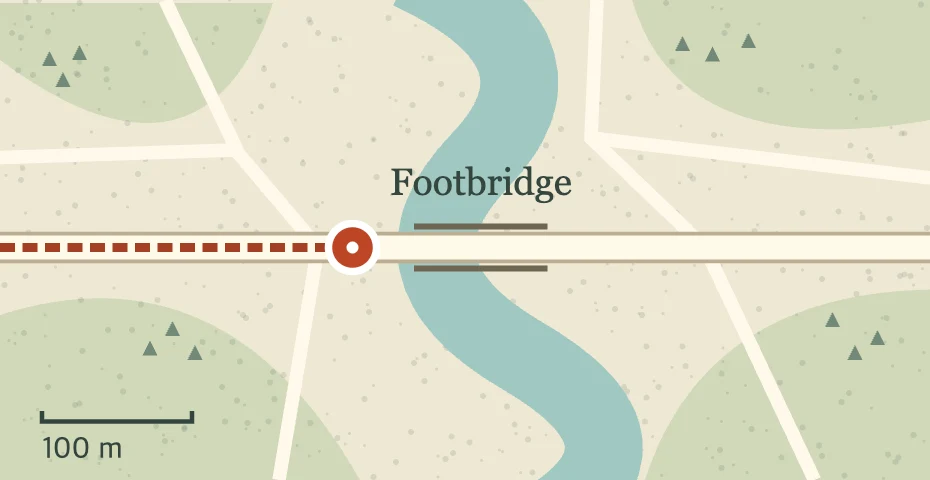
In the test we started with 5.00 km of virtual travel already saved. Tuesday’s 100 steps brought the total to 5.40 km. On Wednesday and Thursday we sent a successful reading of zero steps. The distance stayed at 5.40 km both times. So did the latitude and longitude, down to the last digit the software returned.
That last detail matters on Friday. A lifetime total can tell you that you’ve walked a long way. A pin can remind you what you were about to reach.
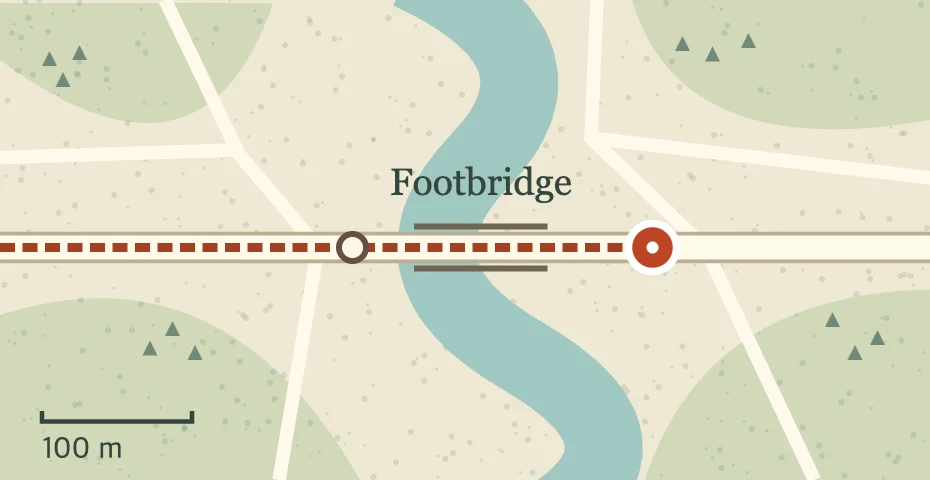
Friday’s input was just 50 steps. The movement record started at Tuesday’s exact coordinates and added 200 virtual meters. The bridge is our illustration. The change in position and distance comes from the test. No one had to walk 200 physical meters for this example, and we didn’t take these pictures in the app.
- Tue100 steps5.40 km
- Wed0 steps5.40 km
- Thu0 steps5.40 km
- Fri50 steps5.60 km
Which number would you miss?
If you want that 325 back beside your name, stick with the app that issued it and check its streak rules. Only the original app can say whether it will restore that badge. And if a streak is what gets you out the door on a wet Tuesday, that number is doing a job a map might never do for you.
But suppose it’s Friday and you have ten minutes before the next meeting. There’s no chance of a big step day. Would you still go out if you could picture where those ten minutes would take your traveler? That’s the moment to try a map.
Give the next short walk somewhere to go.
Start a virtual trip in TabiWalk and look just ahead of your marker. Pick a bend in the route you’d recognize again. After your next walk, once your steps have been recorded and applied, open the map and look for that bend. Maybe you passed it. Maybe it’s a little closer. Either way, you’ll know where to look tomorrow.