Does your iPhone count treadmill steps?
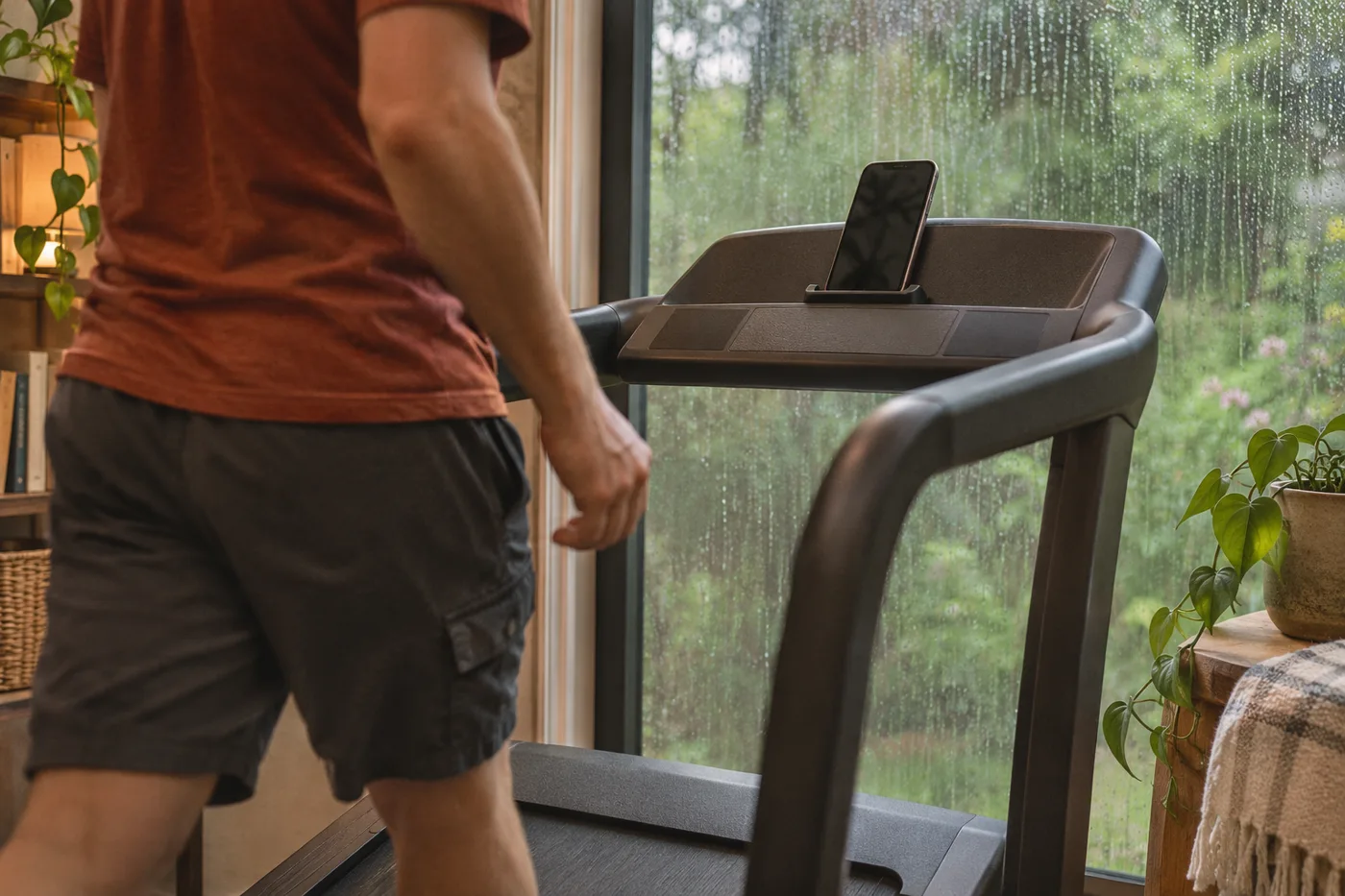
The belt slows to a stop. You’ve walked through a whole episode, but the step count on your iPhone looks suspiciously like the number you saw at breakfast. Where was the phone while you walked? The console makes a handy TV stand. Your phone spent the episode sitting still.
Yes, an iPhone can count treadmill steps when you carry it. A phone in your pocket moves with each stride. A phone on the console may pick up few or none. If you wore an Apple Watch, Health may still show steps from your wrist.
Find the device behind your count ↓Give the phone two short walks
Next time you’re on the treadmill, try a small experiment before you press play. Choose a comfortable pace and count 100 footfalls, left and right each counting as one. Leave the phone in the console cradle for this first stretch. Note the start and finish times.
Stop the belt before moving the phone. Slip it into a secure pocket, then repeat at the same pace for another 100 footfalls. If you wear a Watch, keep it on for both stretches and use the rails as you normally would. Phone placement is the one thing you’re changing.
| Write down | Console | |
|---|---|---|
| Start–finish time | ____ | ____ |
| Steps you counted | ____ | ____ |
| iPhone steps | ____ | ____ |
| Watch steps, if worn | ____ | ____ |
Fill in the device rows after checking Health. If a record spans both walks, write “mixed.” If there’s no entry, leave a dash. Neither gives you a measured zero.
Who counted that walk?
Open Health → Search → Activity → Steps on your iPhone. If your version calls the tab Browse, start there. Scroll to Show All Data, open the day, then tap an entry around the time you walked. Look for its source and time. Give the devices time to sync before comparing. If a device has several entries entirely inside one stretch, add those entries for that device. If the time windows are tangled, try the walks farther apart next time.
Watch entries in both stretches, iPhone entries only in the second? That pattern fits a phone that started moving when you put it in your pocket. On your next rainy walk, you can leave the phone where you like watching and check whether the Watch captured the session.
Health prioritizes overlapping sources. Adding the Watch and iPhone rows yourself could count the same footfall twice. And the mileage on the treadmill measures belt travel. It can’t tell you which device recorded your steps.
Same room tomorrow. Where could your steps take you?
If the pocket walk showed up in Health, you’ve found a setup you can use again. TabiWalk gives that routine a destination. Allow activity access on iPhone, then open Explore after your next walk to see your progress on the virtual map. Your treadmill shows how far the belt traveled. Explore shows where your activity takes you on the map.